

I try to keep my pockets relatively empty. It’s annoying carrying too many things. For example, I don’t have a wallet. I use Apple Pay for everything, and I hold some cards in a MagSafe PopSocket as a backup. In theory, all I need to carry is my phone. (Emphasis on the “in theory” part.)
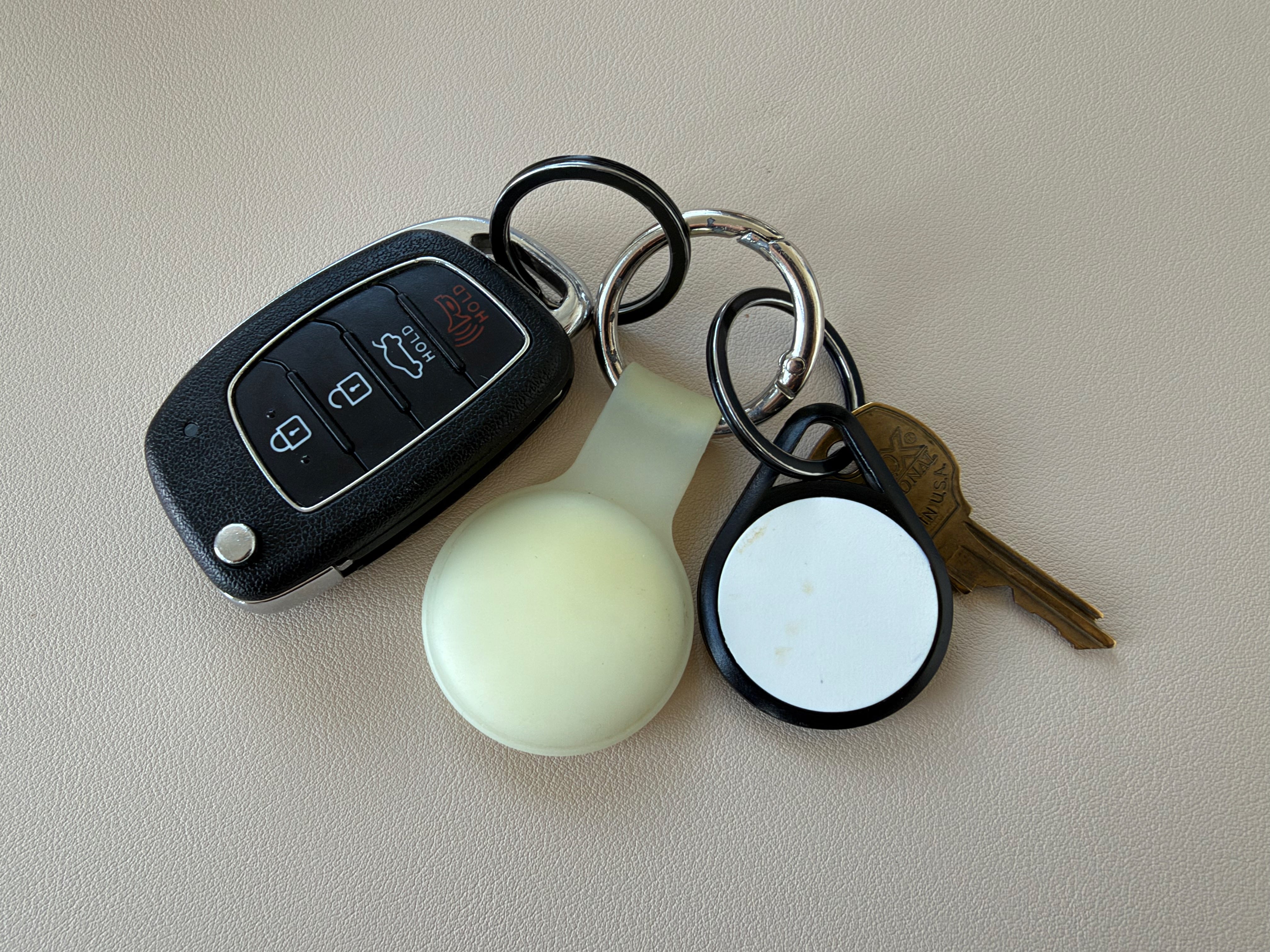
My apartment assigns RFID key fobs for their doors and elevators. It’s a thick piece of plastic the size of a half dollar. There’s only one copy. I have mine attached to a keychain with my car keys and an AirTag, so I need to carry an entire key ring around, even if I’m not driving. As a result, more than half of my pocket space is filled with unnecessary items. That really put a wrench in my desire to be a minimalist.
So I began to wonder:
Can I clone multiple copies of my apartment key fob?
Can I have a functioning key in a better form factor?
Identifying the key fob
On the back of the key fob there’s an inscription that reads “M+ 2K.” That was a nice start. If we could identify the protocol the key fob uses, that could reveal how feasible it is to clone the key. (Older and broken protocols may have known flaws that allow you to exfiltrate any secret data without tampering with the physical key itself.)
Due to security reasons, iPhones don’t allow arbitrary NFC reading, so I had to use an Android phone and download an NFC app for that. Otherwise, identifying the protocol was as simple as scanning the key fob.
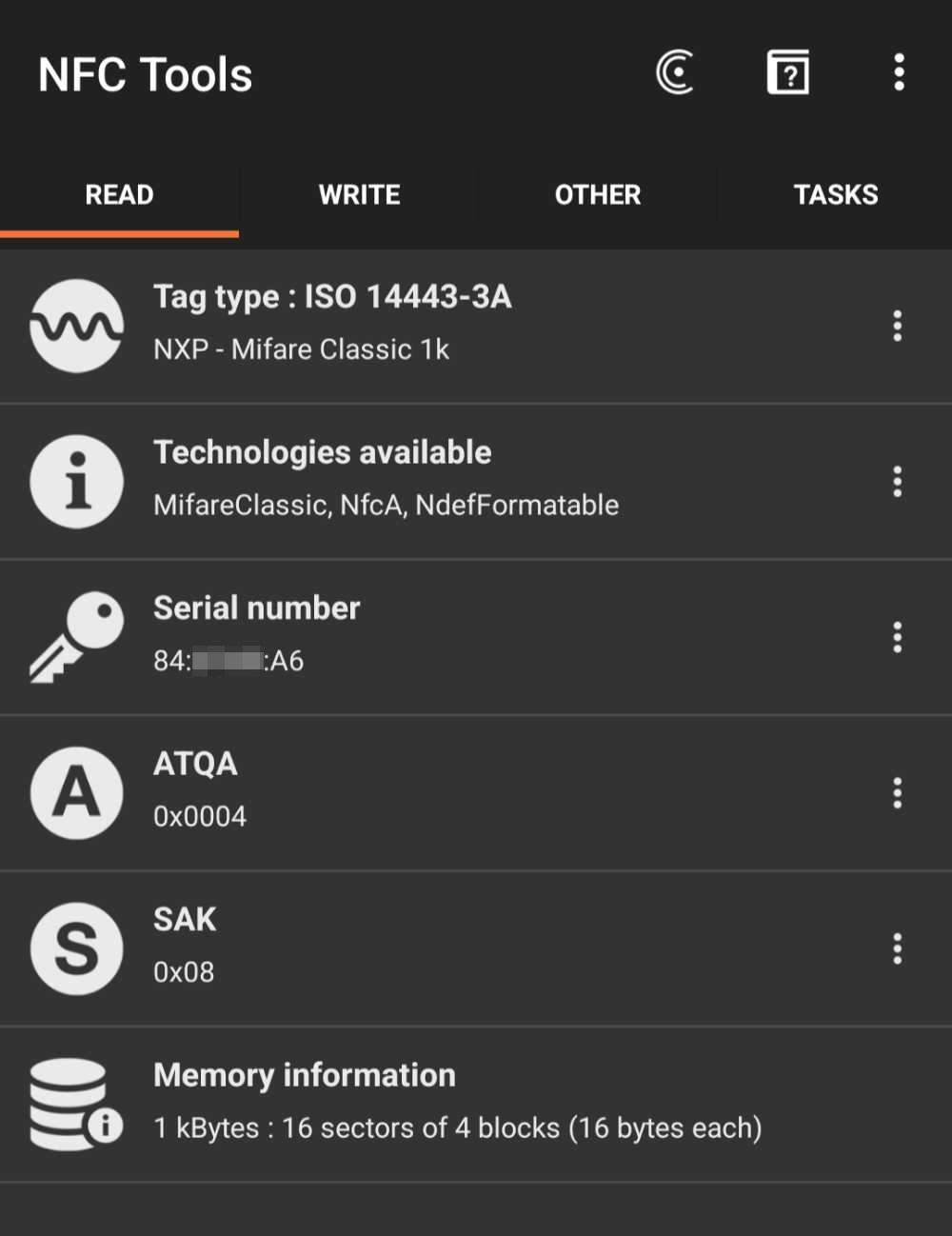
The app showed that the key fob used an NFC protocol called MIFARE Classic 1K. (NFC is a subset of RFID that uses a high-frequency band.) A quick Google search shows that that protocol is old and totally broken. Cloning the apartment key is feasible. The problem is that neither Android phones nor iPhones break the specific NFC protocol and extract its data, so I needed specialized hardware to make a clone.
Buying hardware
I needed NFC devices that I could use as my clones, and I needed something that would write my key’s data to those devices.
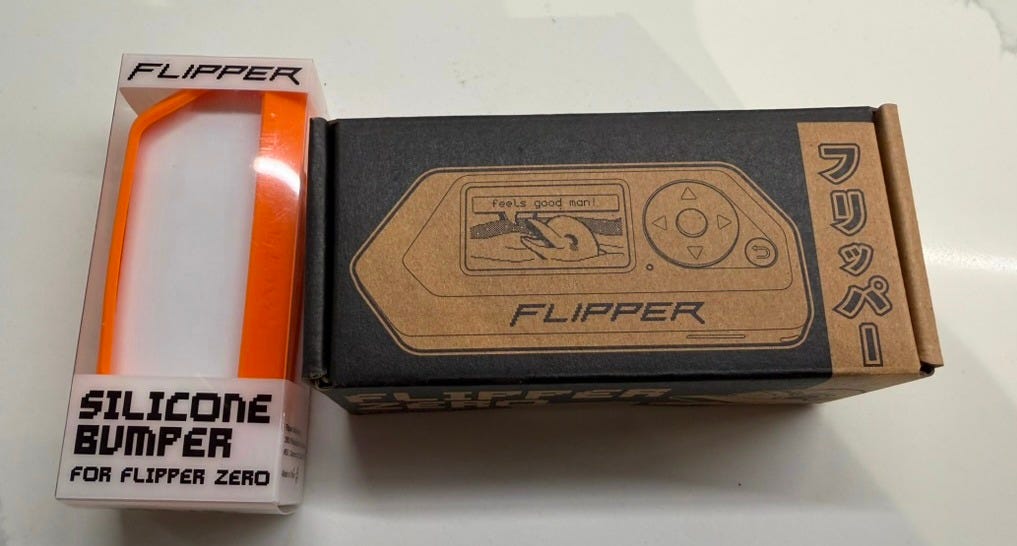
For my NFC writer, I bought a Flipper Zero. It’s a popular Swiss Army Knife for hacking around access control systems, and it has a cool dolphin mascot.
For my clones, I wanted key cards and wearable rings. Key cards could fit flush with credit cards in a wallet, and I could wear a ring without having to store anything in my pockets.
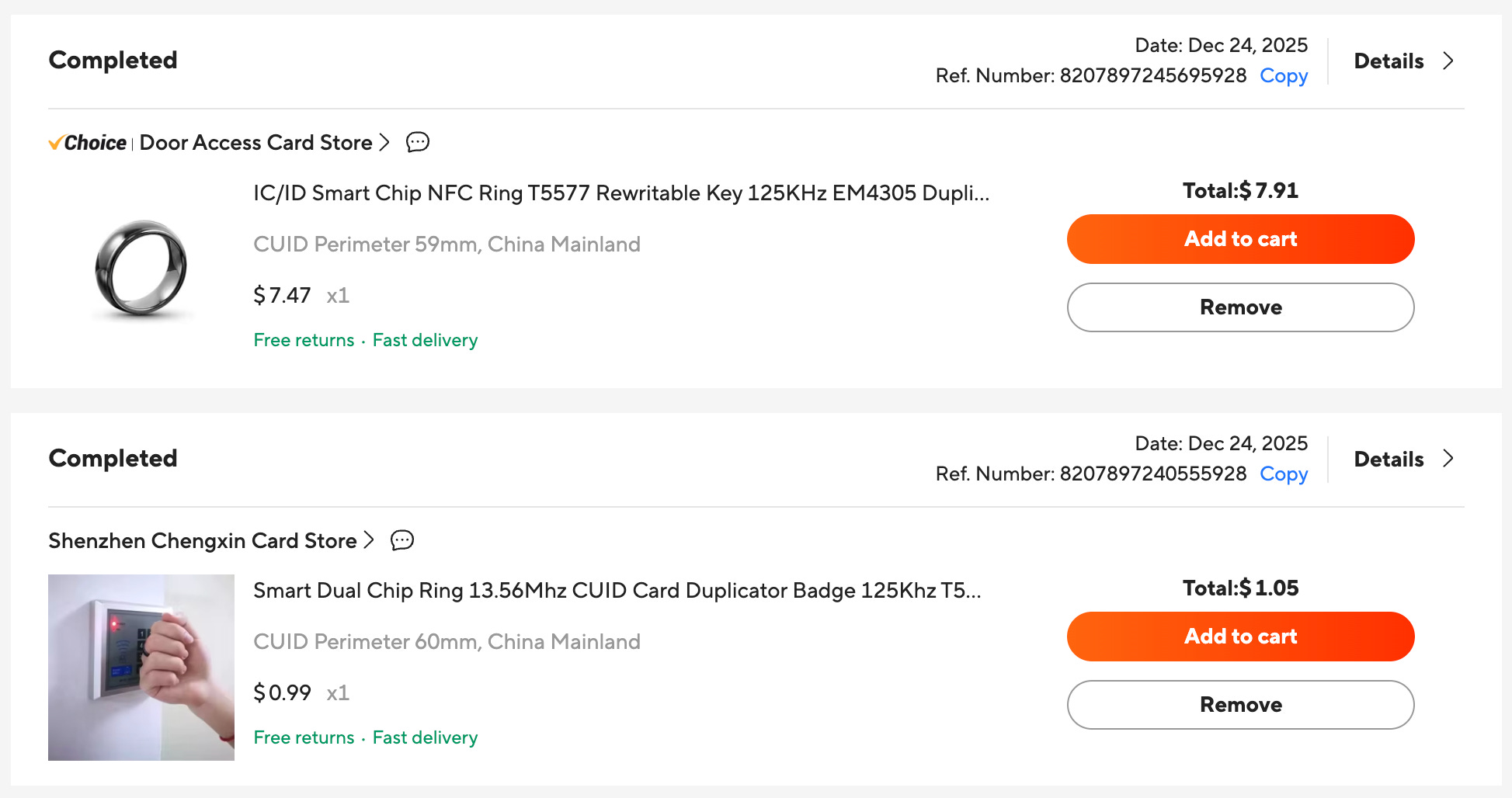
Buying blank key cards was simple enough. They were cheap on Amazon. NFC rings were a different story. The compatible ones were sold in random biohacking specialty shops, and they cost an arm and a leg. To make matters worse, I didn’t know my ring size, so I was reluctant to take my chances. I ended up buying from my friends overseas at AliExpress.
With the hardware in place, I was ready to start cloning.
Extracting NFC data
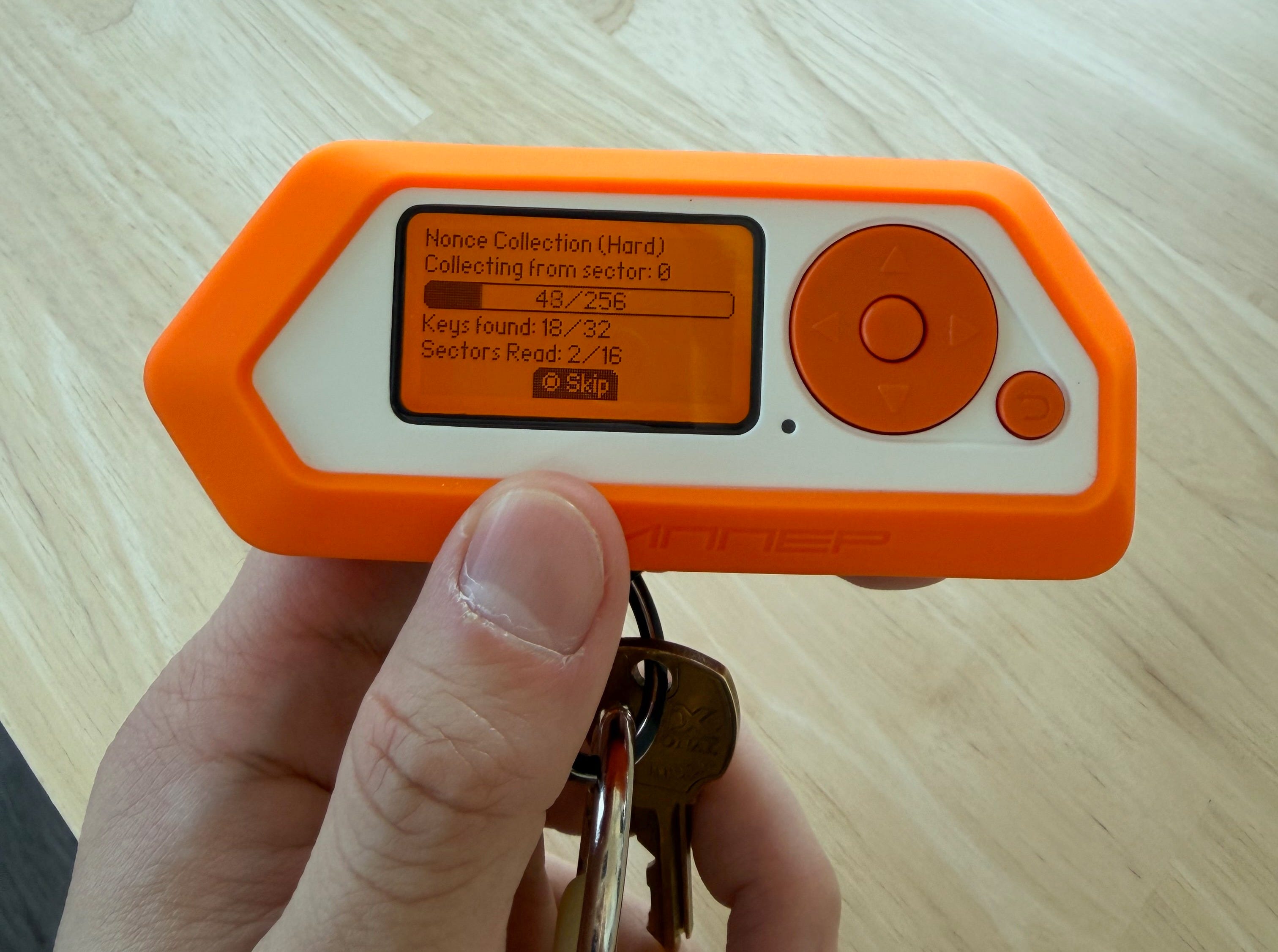
The Flipper Zero has a straightforward menu to read from an NFC device. However, I did need to install custom firmware so it could break the specific protocol on my apartment key. After that, it was a matter of waiting while it read the data from my key.
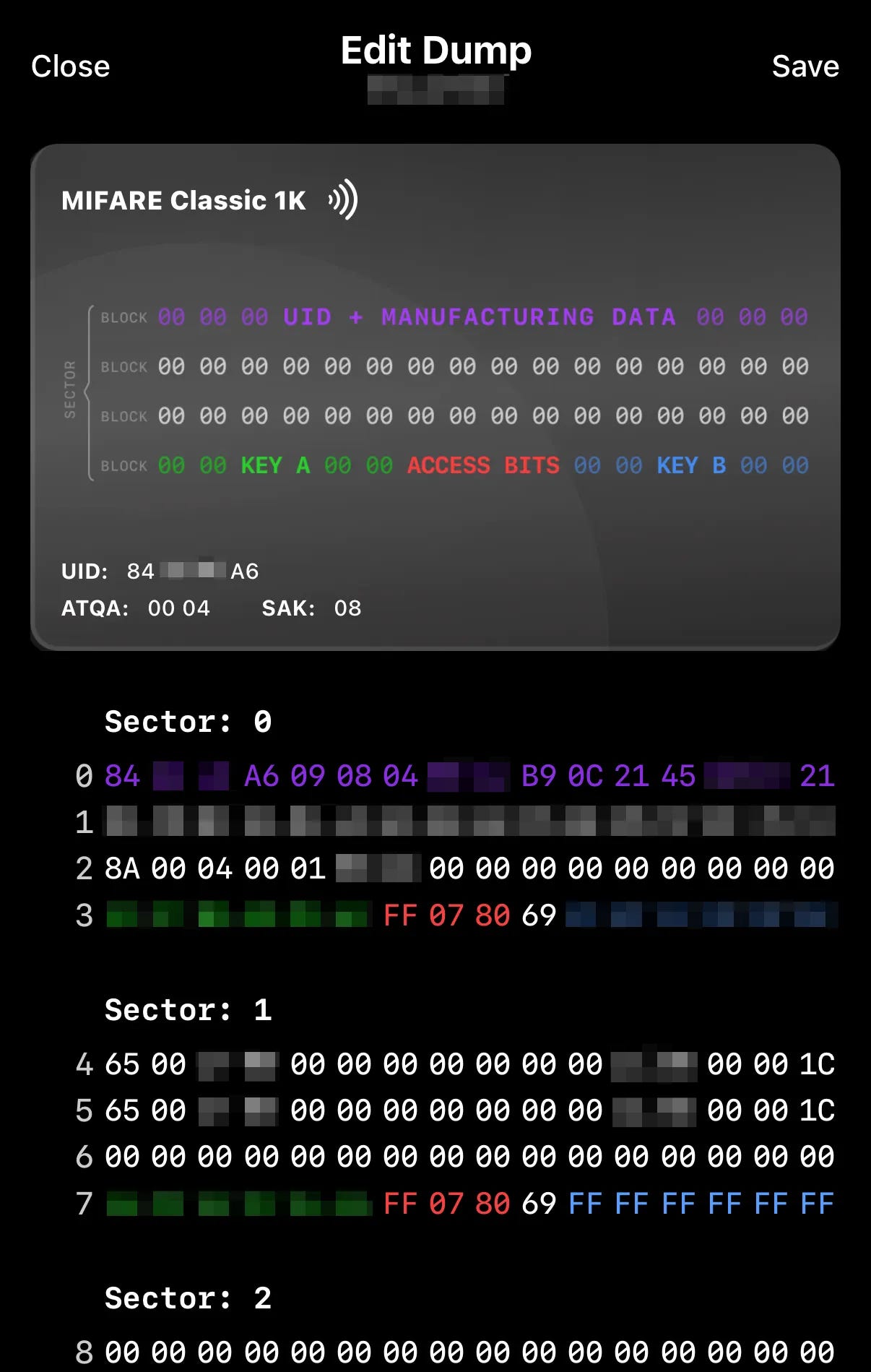
Unsurprisingly, most of the data within the key fob was set to default values. After all, it’s an apartment complex, not some secure facility.
Creating the clones
Writing the data was even easier than reading it; it’s almost instantaneous. Although I had cards and rings that could open my door, the form factor mattered a lot with usability.
The key cards work great, but the rings had a disappointing performance. It’s due mostly to the form factor. Rings are too small, and since the electric coil winds around the ring itself, wearing the ring interferes with the signal. I was only able to get the rings to open my door if I wasn’t wearing the ring.
Afterward, I kept using my original key fob whenever I was driving, and I’d use the key card otherwise. The ring was a neat gimmick, but it wasn’t practical, since I had to take it off every time I used it.
In the end, I’m down around $250, all in the name of saving some pocket space. At least I get to write this blog post about it.